Why Your CRM Might Be the Thing Holding Your Business Back
Most businesses outgrow their off-the-shelf tools faster than they expect. Here's how to tell when a custom web app will serve you better than another WordPress plugin.
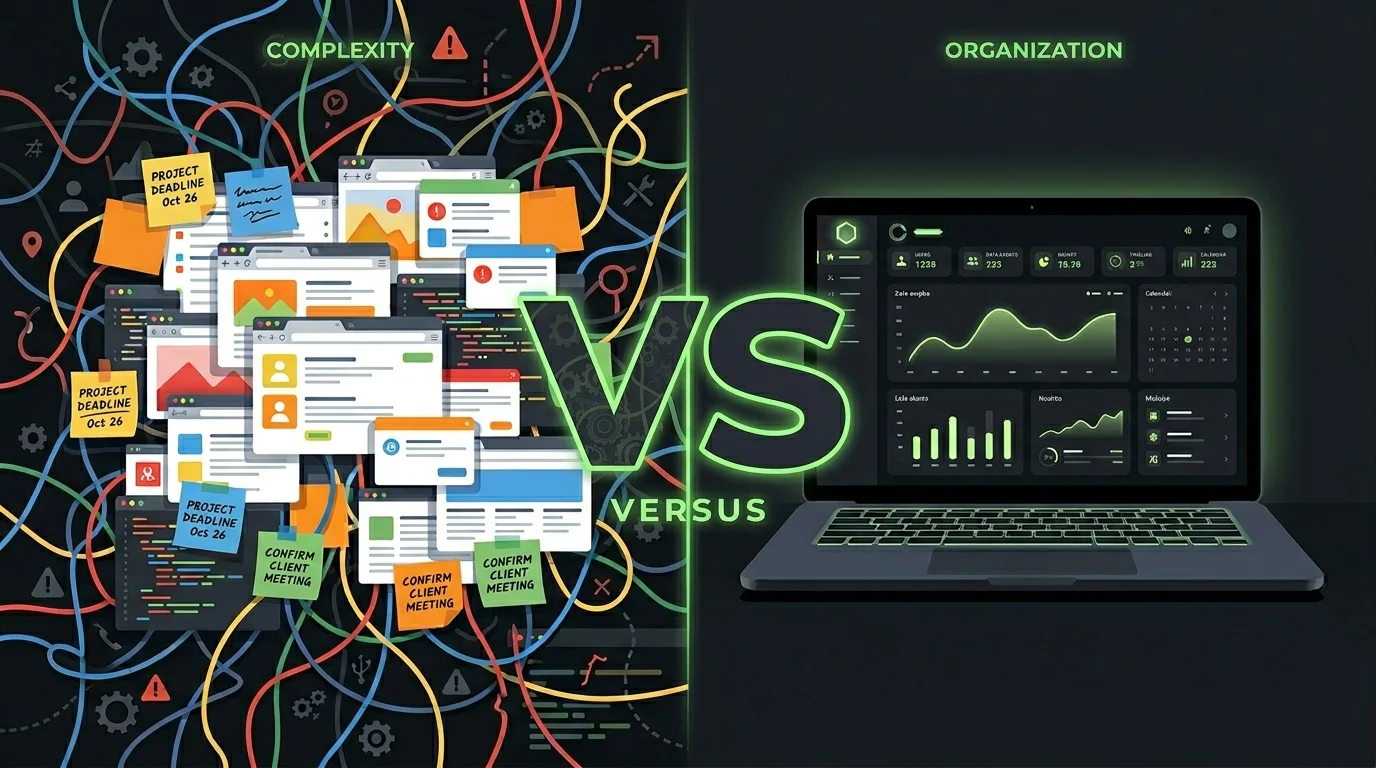
Most businesses start the same way: you grab WordPress, install a CRM plugin, bolt on a form builder, and call it a day. It works — for a while.
Then your team grows. Your process gets more specific. You need a field that doesn't exist. You need two systems to talk to each other. You install another plugin. Then another. Then someone breaks something and nobody knows why.
Sound familiar?
The promise of "just install a plugin"
WordPress was built for publishing blog posts. It became a website builder. Then a platform. Then, somehow, it became the default answer for everything — including things it was never designed to do.
CRM plugins for WordPress can look great in a demo. But in practice, you're dealing with:
- Data spread across five different plugin databases
- Settings buried three levels deep in admin menus
- Plugins that conflict with each other after updates
- No clear owner when something breaks
- Performance that tanks as your database grows
The problem isn't that WordPress is bad. The problem is that it was never meant to run your entire business.
What "custom" actually means
When people hear "custom web app," they picture something expensive and complicated that takes two years to build. That's not what we're talking about.
A custom web app is just software built around the way your business actually works — not the other way around.
That might mean:
- A client portal where customers can log in, see their project status, and upload files
- An internal tool that pulls data from three places and shows your team exactly what they need
- A dashboard that tracks the metrics that matter to your business, not a generic sales funnel
- A CRM that matches your actual sales process instead of asking you to adapt to someone else's
The difference between this and a plugin stack is that your team doesn't have to work around the software. The software works around your team.
The real cost of "free"
WordPress is free. Plugins are cheap. But "free" has a ceiling.
By the time you're paying for:
- A premium theme
- Four or five plugin subscriptions
- A developer to fix things when plugins conflict
- Hosting that can handle the plugin overhead
- The hours your team loses clicking through confusing interfaces
...you're often spending more than a purpose-built tool would have cost. And you still have a system that doesn't quite do what you need.
The other cost is harder to measure: the decisions your team doesn't make because pulling the data is too annoying, or the customers who slip through because your CRM can't handle your actual workflow.
When to switch
You don't need a custom app from day one. If you're a solo operator or a tiny team, WordPress and off-the-shelf CRMs are fine. Use them.
But there are clear signs you've hit the ceiling:
- You're explaining your process to the software instead of the software following your process
- You have more than two systems that don't talk to each other and someone manually copies data between them
- Your team avoids using the CRM because it's too slow or too confusing
- You've customized a plugin so heavily that every update breaks something
- You've said "I wish this tool could just..." more than twice in the last month
If three or more of those are true, you're not dealing with a software problem. You're dealing with a fit problem. The tool wasn't built for what you're doing.
What a better-fit tool looks like
A good custom tool should feel boring to use. Not exciting — boring. Everything where you expect it. No unnecessary steps. No confusion about what to do next.
It should load fast, work on any device, and not require training to use. Your team should be able to get in, do the thing, and get out.
It doesn't need to look like enterprise software. It doesn't need a feature list. It needs to match the way your team thinks about your work.
That's the bar. It's actually not that high — it's just rarely what you get from a plugin stack.
The practical path forward
If you're reconsidering your current setup, you don't need to throw everything out at once.
Start by identifying the one workflow that causes the most friction. Not the most important one — the most annoying one. The one your team complains about. The one with the most manual steps. The one where things fall through the cracks.
Fix that one thing first. Build something small that handles it properly. If it works the way you hoped, you'll know what the next one is.
Custom software doesn't have to mean a year-long project and a six-figure invoice. A focused tool that solves a real problem is worth more than a platform that does everything badly.
If you're not sure where to start, we're happy to take a look at what you're working with and tell you honestly whether a custom tool would actually help — or whether you're fine with what you have.